Updated October 23, 2026 · v1.2.0
OnStream APK Download v1.2.0 for Android (Latest 2026)
Get the latest OnStream APK for Android with simple install steps for Firestick, Android TV and PC, plus honest safety checks and quick fixes.
- Free & no login
- 17.6 MB lightweight APK
- Android, Fire TV & PC
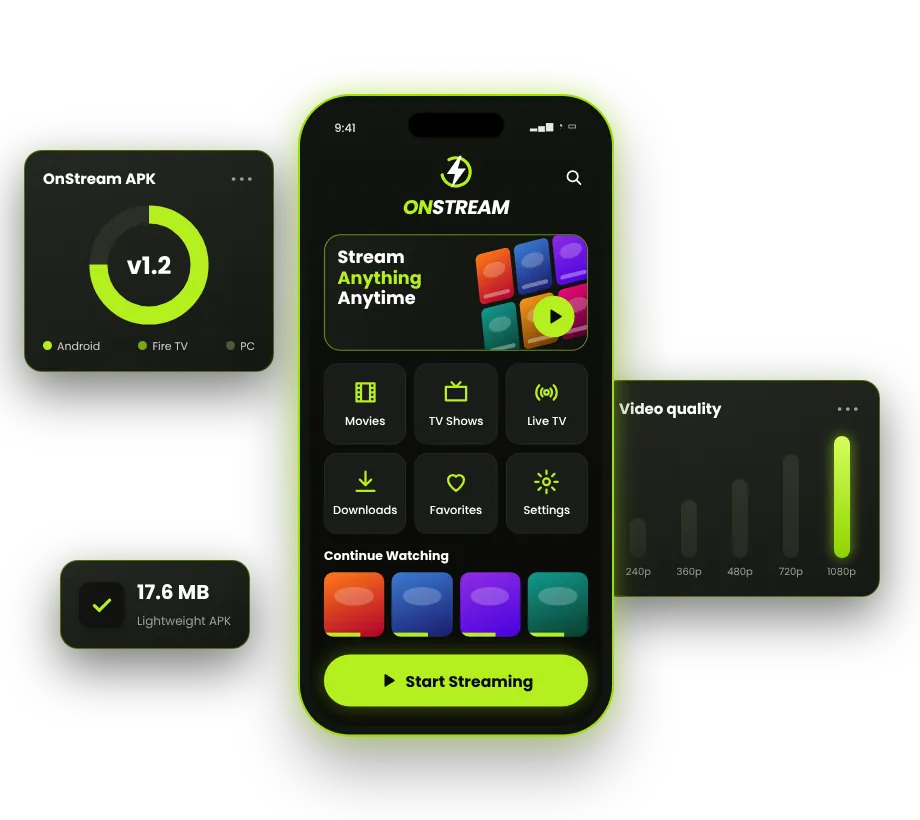
Quick answer: OnStream APK is a free Android app for streaming movies and TV shows without creating an account. The latest version is v1.2.0, the file is about 17.6 MB, and it runs on Android 5.0+. It is not on the Google Play Store, so you install it manually (sideload) on Android phones, Android TV, Firestick, or a PC emulator.
Key takeaways
- OnStream is free, needs no login, and offers movies and TV series in SD, HD and Full HD.
- You get it as an APK file, not from Google Play, so you must allow "Install unknown apps" once.
- It works on Android 5.0 and newer, Fire TV Stick, Android TV boxes, and Windows or Mac through an emulator.
- There is no real iPhone version. Sites offering "OnStream for iOS" downloads are usually fake.
- OnStream does not hold licenses for most of the content it shows. Read our safety and legal guide before you use it.
OnStream APK App Information
Here are the details of the current OnStream build. We update this table whenever a new version comes out, so you can check the version number before you download anything.
| App name | OnStream |
|---|---|
| Latest version | v1.2.0 |
| File size | 17.6 MB |
| Requires | Android 5.0+ |
| Category | Entertainment / Streaming |
| Price | Free |
| Developer | OnStream (not affiliated with this site) |
| Google Play | Not available (APK) |
| Root required | No |
| Last updated | October 23, 2026 |
What Is OnStream APK?
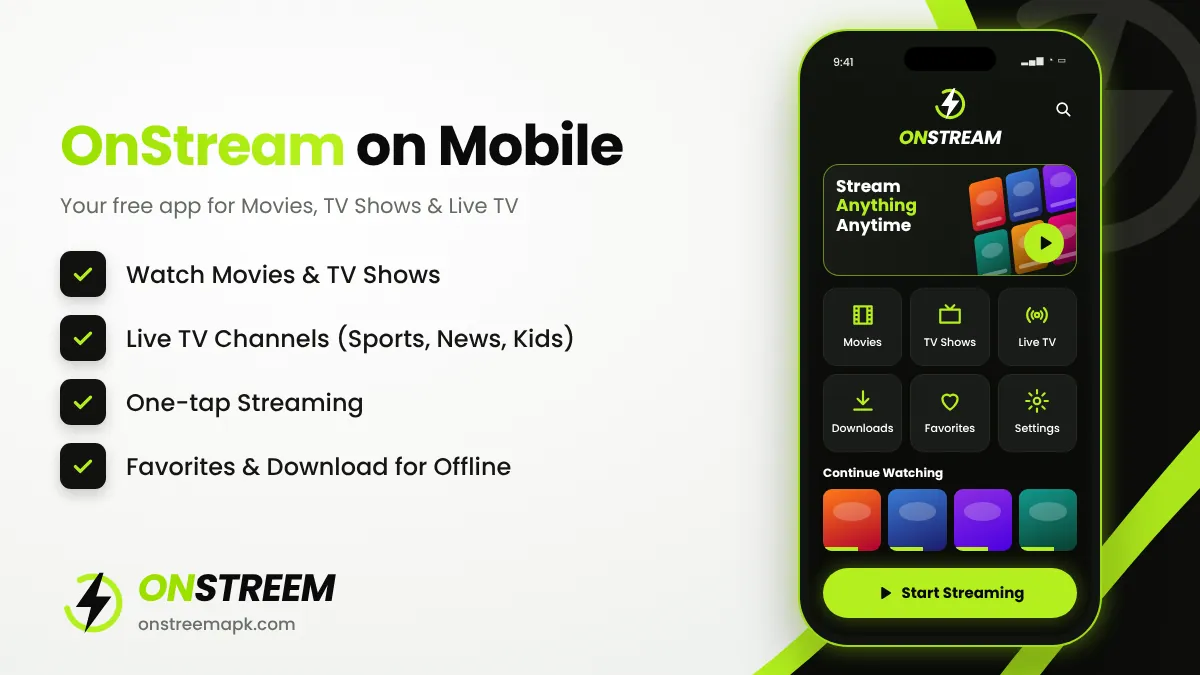
OnStream is a free streaming application for Android. It shows a large catalogue of movies, TV series and some live TV categories inside a single app. You do not need to sign up, enter an email, or pay for a plan. You open the app, search for a title, pick a quality, and press play.
The word "APK" simply means Android Package Kit. It is the installation file format Android uses. Because OnStream is not listed on the Google Play Store, people download the APK file directly and install it by hand. This process is called sideloading. It is the same method used for many apps that are not in the Play Store.
OnStream does not produce any films or shows itself. Like most free streaming apps of this type, it collects links to video files that are hosted on third-party servers and shows them in a clean interface. That is why the library is big, but it is also why availability changes from day to day and why the app sometimes stops working until it is updated.
If you are new to sideloading, do not worry. This guide walks you through every step, from the download to the first video, and covers every device people ask us about.
Key Features of OnStream APK v1.2.0
We compared OnStream with similar free streaming apps. These are the features users mention most often and the ones that make the app popular.
Large movie and series library
Thousands of movies and TV shows across action, comedy, drama, horror, animation, documentaries and more, with new titles added regularly.
Free with no account
No sign-up, no email, no credit card and no subscription. Install the app and start watching straight away.
Choose your video quality
Pick SD, HD (720p) or Full HD (1080p) depending on your internet speed and data plan.
Subtitles in many languages
Turn on subtitles for most titles and choose the language you need, which helps with foreign films.
Offline downloads
Save episodes or films to your device and watch them later on a flight or anywhere without internet.
Multiple servers
If one link buffers or fails, switch to another server for the same title without leaving the app.
Favourites list
Bookmark shows and movies so you can find them quickly and continue a series later.
Night mode
A dark theme that is easier on the eyes at night and saves battery on OLED screens.
Smart search and filters
Search by name, or filter by genre, year and popularity to discover something new to watch.
What Can You Watch on OnStream?
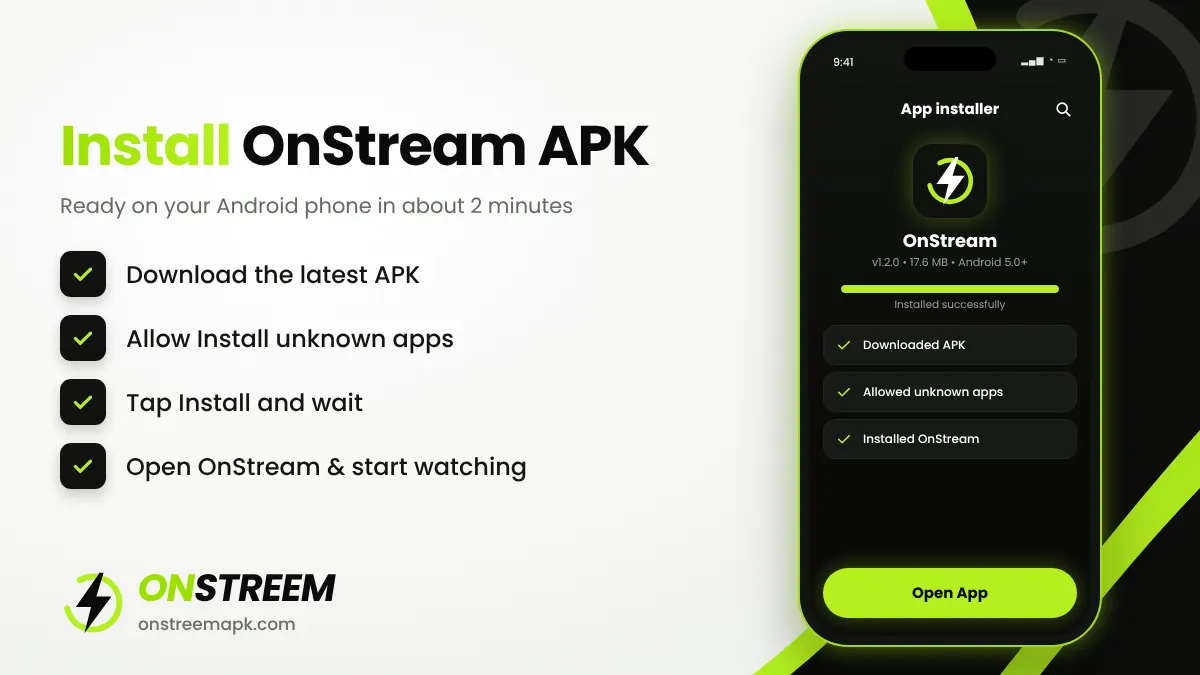
The OnStream library is organised into clear sections, so you can find something quickly even without searching:
| Section | What you will find |
|---|---|
| Movies | New releases and classics in action, comedy, drama, thriller, horror, sci-fi, romance and animation |
| TV Shows | Full seasons of popular series, with episode lists and "continue watching" |
| Anime | Subbed and dubbed anime series and films |
| Documentaries | Nature, history, true crime and science titles |
| Kids & Family | Animated movies and family-friendly shows |
| Live TV | Live categories such as sports, news and entertainment (availability changes often) |
Because OnStream pulls links from outside sources, a title that plays today may be missing tomorrow, and very new releases often appear first in low quality. If you only want official, high-quality streams, check the licensed apps in our alternatives guide.
How to Download and Install OnStream APK on Android
The installation takes about two minutes. Follow these steps in order. They work on Samsung, Xiaomi, Oppo, Vivo, Realme, Infinix, Tecno, Motorola, Google Pixel and other Android phones and tablets.
Download the APK file
Tap the download button on this page or go to our OnStream APK download page. Wait for the file (about 17.6 MB) to finish downloading. If Chrome warns that "this type of file can harm your device", tap Download anyway only if you got the file from a source you trust.
Allow installs from your browser
Open Settings > Apps > Special app access > Install unknown apps. Choose the browser you used (for example Chrome) and turn on Allow from this source. On older phones (Android 7 and below) the setting is called Unknown sources under Settings > Security.
Open the downloaded file
Open your Files or Downloads app and tap the OnStream APK file. Tap Install and wait a few seconds.
If Play Protect shows a warning
Google Play Protect may show a message because the app does not come from the Play Store. Read it carefully. If you are not sure the file is genuine, cancel and check it first using the tips in our is OnStream safe guide.
Open OnStream and start watching
Tap Open. Allow storage access only if you plan to download videos. Browse the home screen, search for a title, choose a server and quality, then press play.
Tip: After installing, go back to Install unknown apps and switch the permission off again for your browser. This keeps your phone safer and does not affect OnStream.
"Install unknown apps" on Popular Phone Brands
Every brand puts this setting in a slightly different place. Use the path for your phone:
| Phone brand | Where to allow APK installs |
|---|---|
| Samsung (One UI) | Settings > Apps > three-dot menu > Special access > Install unknown apps > Chrome |
| Xiaomi, Redmi, POCO (HyperOS / MIUI) | Settings > Apps > Manage apps > Chrome > Install unknown apps |
| Oppo, Realme (ColorOS / Realme UI) | Settings > Apps > Special app access > Install unknown apps |
| Vivo, iQOO (Funtouch OS / OriginOS) | Settings > Security & privacy > More security settings > Install unknown apps |
| Google Pixel, Motorola, Nokia | Settings > Apps > Special app access > Install unknown apps |
| Infinix, Tecno (XOS / HiOS) | Settings > Apps > Special app access > Install unknown apps |
Menu names can change slightly after system updates. If you cannot find it, open Settings and search for "unknown".
Install OnStream on Other Devices
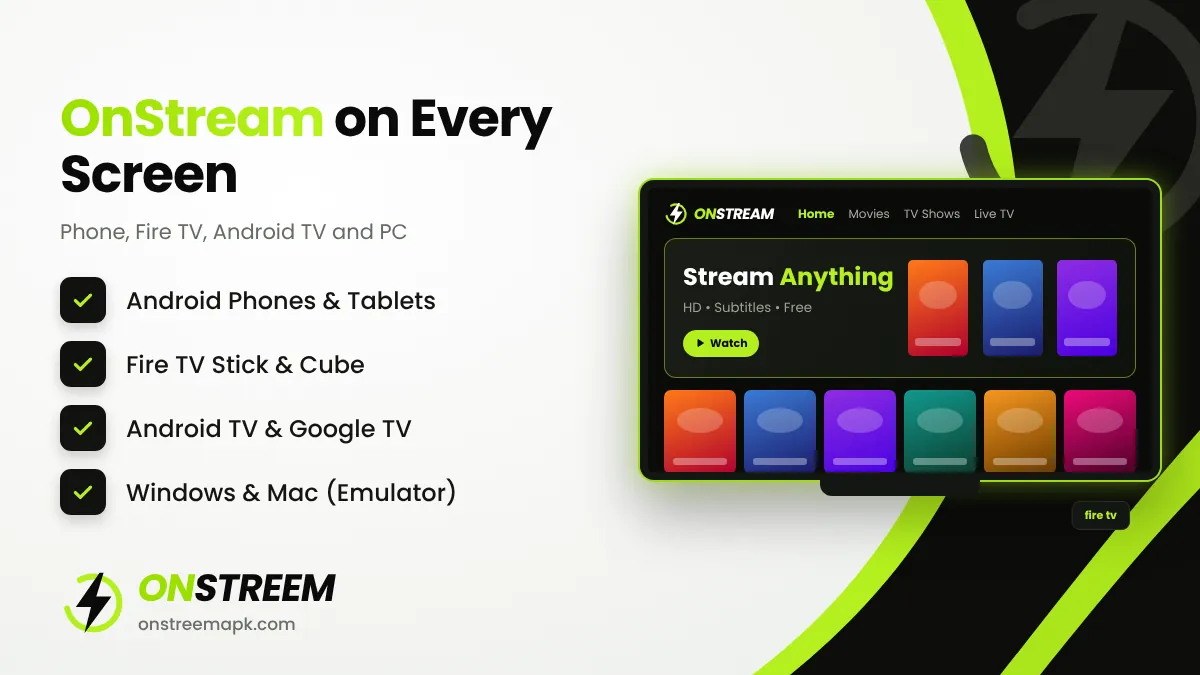
OnStream is built for Android, but you can use it on bigger screens too. Each device has its own short guide with screenshots and exact menu names.
If you use a Fire TV Stick, you will also want our OnStream Downloader code guide. It explains how to enter a short code instead of typing a long link with the remote.
How to Use OnStream (Quick Guide)
The OnStream interface is simple, but a few settings make a big difference to your experience:
- Home tab: shows trending, popular and recently added movies and shows.
- Search: tap the magnifying glass and type a title. Results appear as you type.
- Servers: on the title page you will see more than one server. If a video buffers, go back and choose another server.
- Quality: choose 1080p on fast Wi-Fi and 480p or 720p on mobile data.
- Subtitles: tap the CC icon in the player to turn subtitles on and pick a language.
- Downloads: tap the download icon on an episode or movie, then find it later in the Downloads section.
For a full walkthrough with tips on downloading movies, subtitles and settings, read how to use OnStream.
OnStream System Requirements
OnStream is a lightweight app, but streaming in HD still needs a reasonable device and a stable connection. Use this table to check your device before installing.
| Device | Minimum system | RAM | Free storage |
|---|---|---|---|
| Android phone / tablet | Android 5.0 (Lollipop) or newer | 2 GB+ | 100 MB + space for downloads |
| Fire TV Stick | Fire OS 5 or newer (Fire TV Stick 2nd gen and later) | 1 GB+ | 100 MB |
| Android TV / Google TV | Android TV 7.0 or newer | 1.5 GB+ | 100 MB |
| Windows PC | Windows 10 or 11 with an Android emulator | 4 GB+ (8 GB better) | 5 GB for the emulator |
| Mac | macOS with BlueStacks Air (Apple Silicon) or another emulator | 8 GB | 5 GB for the emulator |
Internet speed: about 3 Mbps for SD, 5 Mbps for 720p and 10 Mbps or more for smooth 1080p playback.
Is OnStream APK Safe and Legal?
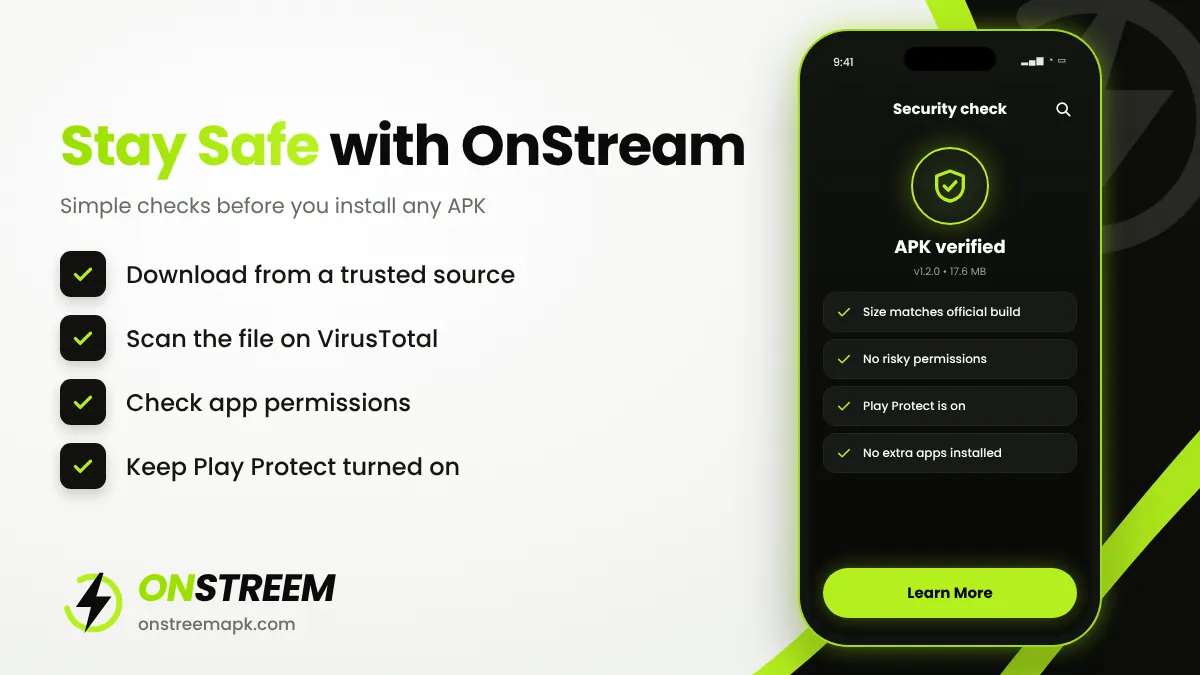
Safety: The app itself is not known to be malware, but the biggest risk comes from fake copies. Many websites re-upload "OnStream" files that are modified with extra adware or worse. To stay safe, download only from a source you trust, scan the APK on VirusTotal before installing, check the permissions it asks for, and keep Google Play Protect turned on. We explain each check in our OnStream safety guide.
Legality: OnStream does not own the rights to most of the films and shows it lists. It links to videos hosted by others. Using the app to stream copyrighted content without permission may break copyright law in your country. The app is not illegal to install as software, but what you watch matters. If you want a fully legal free option, see the licensed services in our OnStream alternatives list.
Important: OnStreem APK is an independent information website. We are not the developer of OnStream, we are not affiliated with it, and we do not host any movies or TV shows.
OnStream Not Working? Quick Fixes
Most problems with OnStream come from an outdated version, a busy server, or the app cache. Try these quick fixes in this order:
- Check that you have the latest version (v1.2.0). Old versions often stop loading links.
- Switch to a different server on the movie or episode page.
- Clear the app cache: Settings > Apps > OnStream > Storage > Clear cache.
- Restart your router and your device, then try again on another network.
- Make sure your date and time are set automatically, because wrong time settings can break secure connections.
- Uninstall and reinstall the latest APK if nothing else works.
Still stuck? Our full OnStream not working guide covers black screens, "no links found", buffering, crashes and the "app disabled" message.
OnStream vs Similar Apps
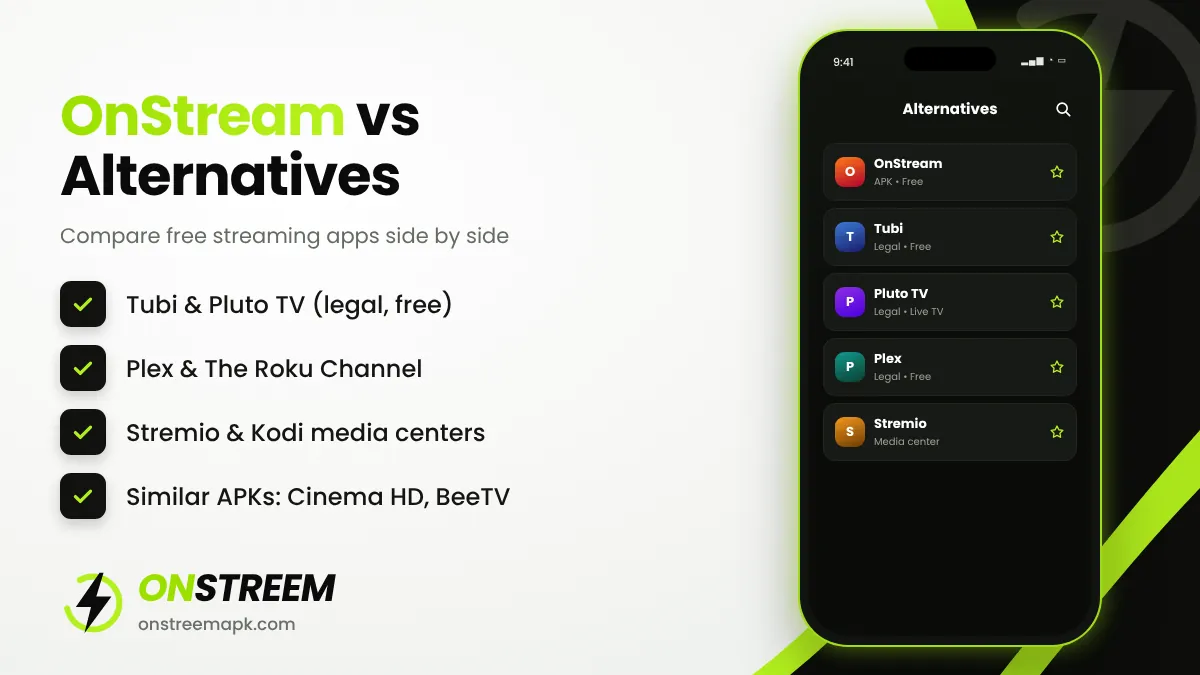
OnStream is not the only option. Here is how it compares with common free alternatives:
| App | Price | Account needed | Licensed content | Play Store |
|---|---|---|---|---|
| OnStream | Free | No | No | No (APK) |
| Tubi | Free with ads | Optional | Yes | Yes |
| Pluto TV | Free with ads | No | Yes | Yes |
| Plex | Free with ads | Yes | Yes | Yes |
| Stremio | Free | Yes | Depends on add-ons | Yes |
| Cinema HD | Free | No | No | No (APK) |
See our detailed list of apps like OnStream with pros and cons for each one.
Pros and Cons of OnStream
Pros
- Completely free with no account
- Large library of movies and TV shows
- HD and Full HD quality options
- Subtitles and offline downloads
- Small file size (17.6 MB)
- Works on phones, Fire TV and Android TV
Cons
- Not available on Google Play
- Content is not officially licensed
- Links can break and need a server switch
- No real iOS version
- Updates must be installed manually
- Many fake copies exist online
How to Update OnStream APK
OnStream does not update through the Play Store, so you need to install new versions yourself. To update without losing your favourites:
- Check the version in the app (usually under Settings > About) and compare it with the version in the table above.
- Download the new APK from our download page.
- Install it over the old app. Do not uninstall first, because installing on top keeps your saved data.
- If you see "App not installed", the new file may be signed differently. In that case, uninstall the old version and then install the new one.
Need an older build such as 1.1.5? The old versions section lists previous releases.
Is There an OnStream Mod APK?
You will see "OnStream Mod APK" or "OnStream Premium" files on many sites. Since the normal app is already free, a mod usually only promises to remove ads. In practice, modded files are a common way to spread adware and spyware because nobody can verify what was changed. We recommend the standard build. Read why in our OnStream mod APK article.
7 Tips to Get the Best OnStream Experience
- Stay on the latest version. Most "not working" reports come from old builds. Check this page monthly.
- Try the first two servers before giving up. The best link is not always the first one.
- Match quality to your speed. 720p is the sweet spot for most connections and saves mobile data.
- Download before you travel. Save episodes on Wi-Fi so you can watch offline without using data.
- Use Favourites for series. It is the quickest way to continue where you left off.
- Clear the cache once a month. It keeps the app fast, especially on Fire TV and Android TV.
- Ignore pop-ups that ask you to install other apps. Close them and return to OnStream.
OnStream Version History
OnStream releases updates without a public changelog, so we track the builds people use most:
- v1.2.0 (latest): the current build, about 17.6 MB, recommended for all devices.
- v1.1.5: the most common older build, still used on some older phones and Fire TV sticks.
- v1.1.3: a legacy build that may no longer load many links.
You can find these files and how to choose between them on our OnStream old versions page.
About This Guide
This page is written and maintained by the OnStreem APK editorial team. We are an independent site, not the app's developer. We check the version number, file size and install steps against several sources and update the "last updated" date whenever something changes. If you spot an error, please let us know.
Frequently Asked Questions
What is OnStream APK?
OnStream APK is the installation file of OnStream, a free Android app for streaming movies and TV shows without an account. It is not on Google Play, so it is installed manually.
What is the latest version of OnStream?
The latest version is v1.2.0, with a file size of about 17.6 MB. It needs Android 5.0+.
Is OnStream free?
Yes. OnStream is free to download and use. There are no subscription plans, so any website selling "OnStream Premium" plans is not genuine.
Is OnStream on the Google Play Store?
No. OnStream is not listed on Google Play. Apps on Play Store that use the OnStream name are usually unrelated products, so check the developer before installing.
Do I need to create an account to use OnStream?
No. OnStream works without registration, login or email.
Can I use OnStream on Firestick?
Yes. Install the Downloader app on your Fire TV Stick, allow it to install unknown apps, and then download the OnStream APK through it. Our Firestick guide has every step.
Does OnStream work on iPhone?
No. APK files only work on Android-based systems. There is no genuine OnStream app for iPhone or iPad.
Can I download movies on OnStream?
Yes. Tap the download icon on a movie or episode, choose the quality, and watch it later from the Downloads section, even without internet.
Why is OnStream not working today?
The most common reasons are an old app version, a busy server, or cached data. Update to v1.2.0, switch servers, clear the cache and restart your device.
Is it safe to install OnStream APK?
The app is generally considered safe when the APK is genuine, but fake copies exist. Scan the file on VirusTotal, check permissions, and keep Play Protect on.
Does OnStream need a VPN?
OnStream works without a VPN. Some people use a VPN for privacy on public Wi-Fi, but a VPN does not make it legal to stream copyrighted content without permission.
Is OnStreem APK the official OnStream website?
No. OnStreem APK is an independent guide. We are not connected to the OnStream developers and we do not host any video content.
Final Verdict
OnStream is one of the easiest free streaming apps to set up on Android and Fire TV. It needs no account, offers HD quality, subtitles and downloads, and the APK is only about 17.6 MB. The trade-offs are real, though: it is not on Google Play, links break from time to time, and most content is not licensed. If you decide to install it, use the latest version, get the file from a trusted source, and follow the safety steps above. If you would rather stay fully legal, the licensed free services in our alternatives guide are a good choice.