Quick answer: We do not publish a short code at the moment. Type the URL onstreemapk.com/download/ into Downloader instead; it always opens our latest OnStream APK page. Open the Downloader app on your Fire TV or Android TV, type the code or link into the URL box, press Go, and install the OnStream APK (v1.2.0).
Table of Contents
What Is a Downloader Code?
Downloader is a free app for Fire TV and Android TV made by AFTVnews. Typing long web addresses with a TV remote is slow, so AFTVnews lets website owners register a short number that points to their address. When you type that number into Downloader, it opens the linked page or file.
So an "OnStream Downloader code" is simply a short number that opens a page where the OnStream APK can be downloaded. The code is not part of the OnStream app, and OnStream does not need any activation code to work.
How to Use the OnStream Downloader Code
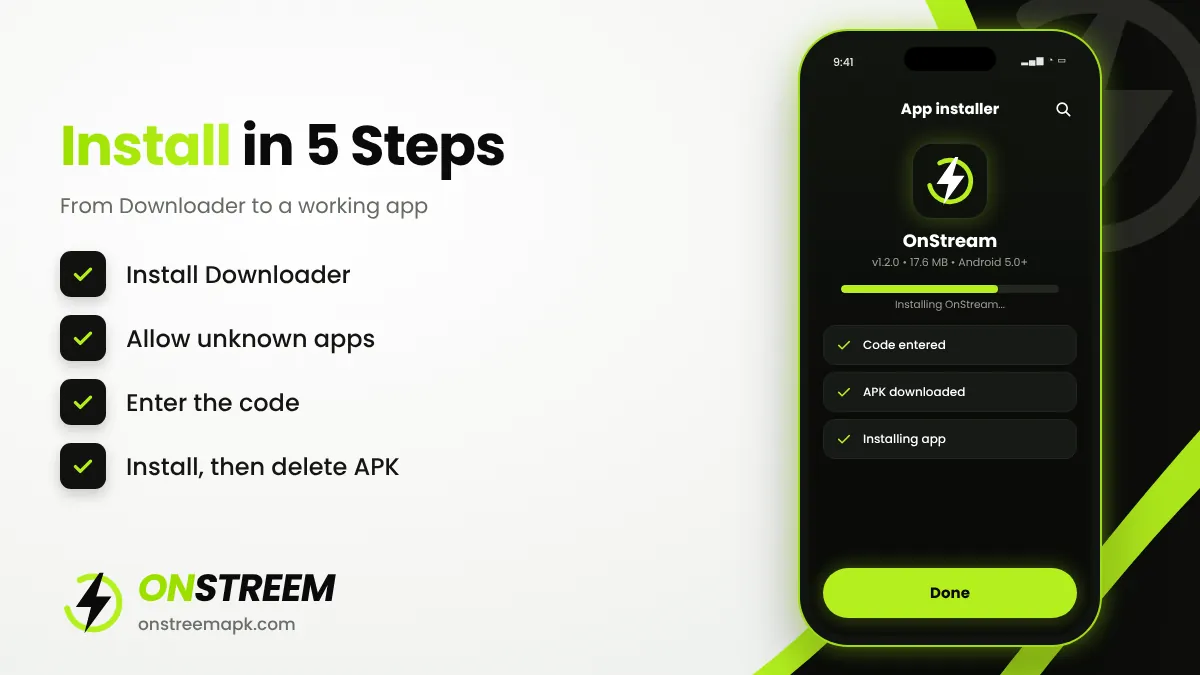
Install Downloader
Search for Downloader in the Amazon Appstore (Fire TV) or Google Play (Android TV) and install it.
Allow unknown apps
On Fire TV: Settings > My Fire TV > Developer options > Install unknown apps > Downloader: ON. On Android TV: Settings > Apps > Security & restrictions > Unknown sources.
Enter the code
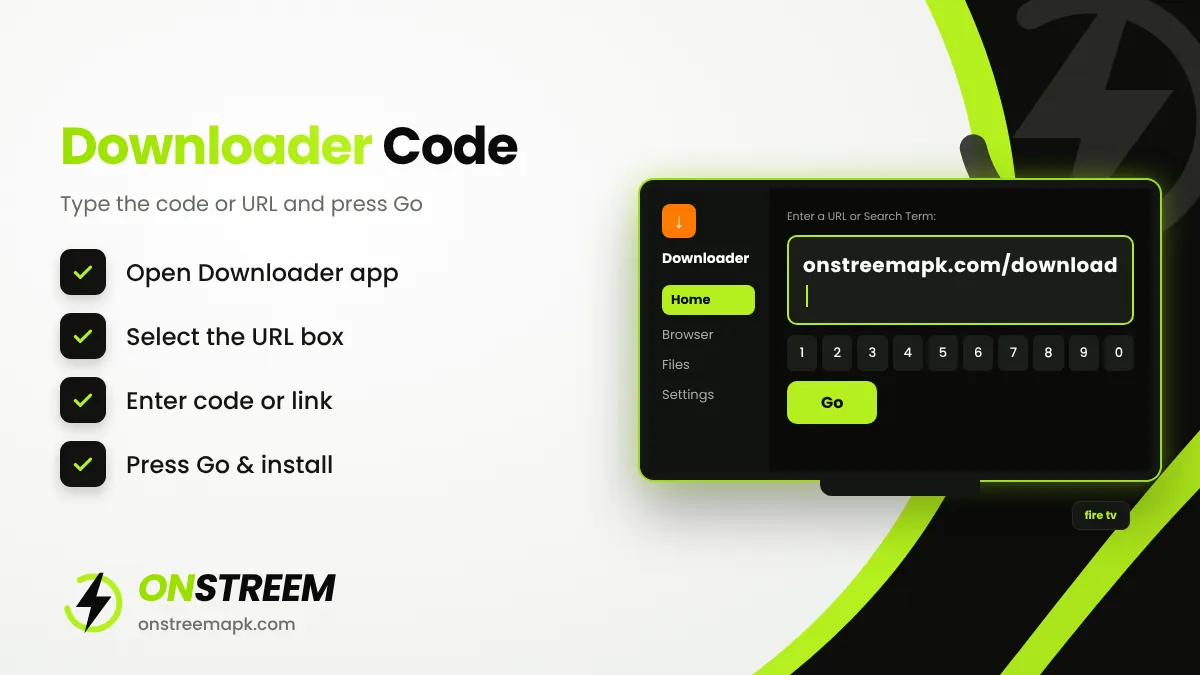
Open Downloader, select the URL box on the Home tab, and type the URL onstreemapk.com/download/.
Press Go
Downloader opens the page. Select the OnStream APK download button.
Install
Choose Install, then Done, and delete the APK file to free up space.
For a full walkthrough with every Fire TV menu, see how to install OnStream on Firestick. For TVs, see OnStream for Android TV.
Why Some OnStream Codes Stop Working
You will find many different "OnStream codes" on YouTube and forums. Many of them no longer work, for these reasons:
- The page was removed. If the website behind the code shuts down, the code leads nowhere.
- The code was changed or reassigned. Owners can point a code to a new page at any time.
- The file is outdated. The code may still work but download an old version that no longer plays videos.
- Typing mistakes. One wrong digit opens a completely different page.
Safety tip: Because codes can point to any file, an unknown code can install a modified app. Only use codes from a source you trust, and check the version and file size (about 17.6 MB) before installing.
Use the URL Instead of a Code
If a code fails, type the web address directly into Downloader. It takes a little longer with the remote but always opens the exact page you expect. Our download page address is shown in the box at the top of this article.
Is There an "OnStream Activation Code"?
No. Some people search for "OnStream code" expecting a login or activation code. The OnStream APK works without registration or activation. If an app or website asks you to buy or enter an activation code for OnStream, it is not the real app.
Note that "OnStream" is also the name of unrelated business products, such as a hotel TV service and a webinar platform, which do use account codes. Those have nothing to do with the OnStream APK.
FAQs
What is the Downloader code for OnStream?
We do not publish a short code at the moment. Type the URL onstreemapk.com/download/ into Downloader instead; it always opens our latest OnStream APK page.
Why is my OnStream Downloader code not working?
The code may have expired, been changed, or been typed incorrectly. Enter the full URL instead.
Do I need a code to activate OnStream?
No. OnStream needs no activation code, login or subscription.
Can I use the code on Android TV?
Yes. Install Downloader from Google Play on your Android TV and use the same code or URL.
Back to the main OnStream APK guide.